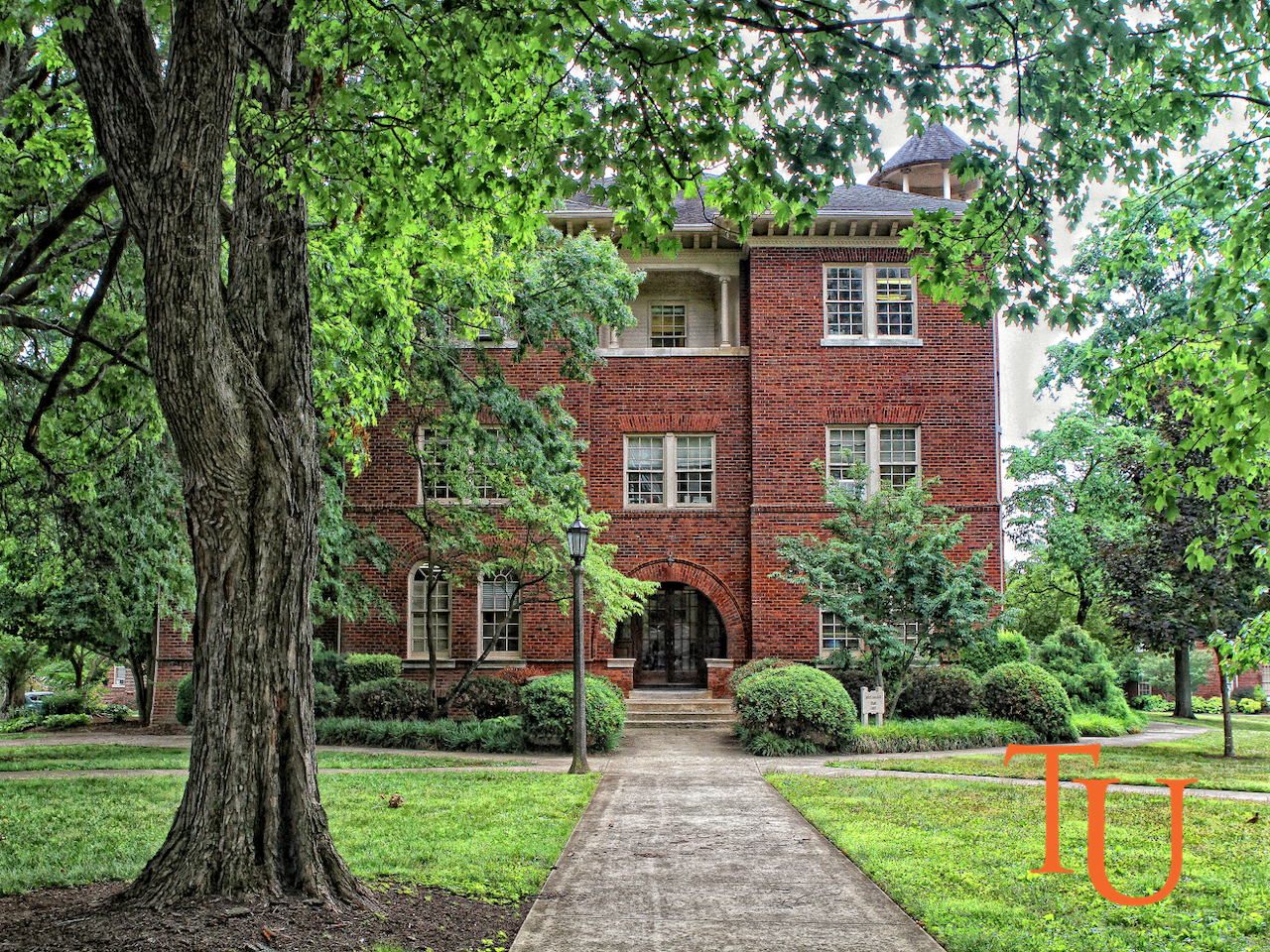
ZOOM VIRTUAL BACKGROUNDS
The COVID-19 pandemic brought the necessity for more Zoom meetings to take place. Provided below are a set of virtual backgrounds for your usage as well as some tips and tricks to operating in Zoom meetings.
Tips & Tricks
Is your home office not exactly everything you’d dreamed of sharing with your students and colleagues?
Zoom allows you to set up a virtual background. All you need to do is save the background image of your choosing and follow the instructions found in this video.
For this to work properly, you must be sure that the background behind you is one consistent color, i.e. a blank wall.
Not feeling quite as “camera ready” as you’d like?
Zoom has a “touch up my appearance” filter option. You can save your Zoom camera to always touch up your appearance by watching this video.


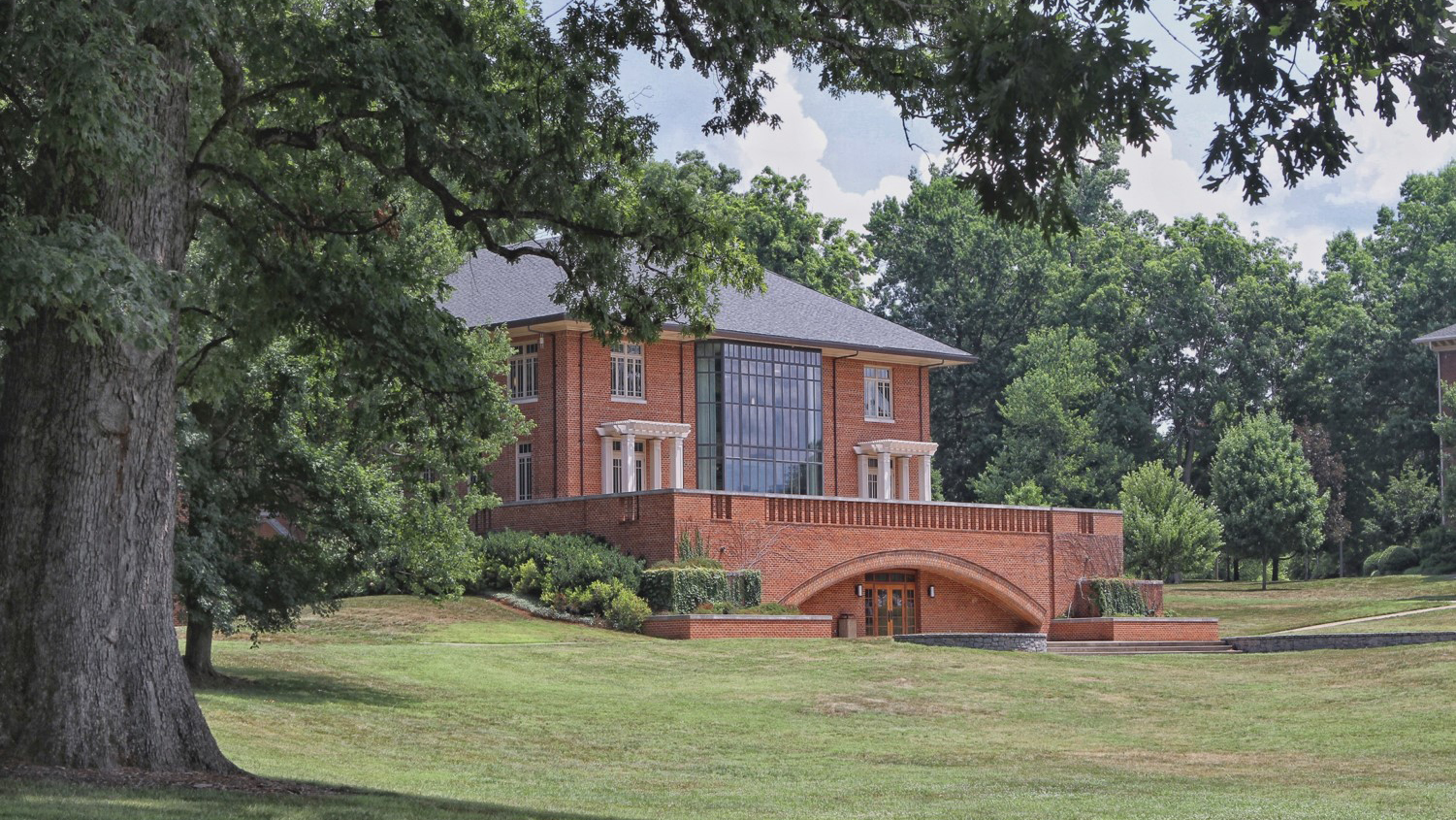



TU COMPUTER WALLPAPER
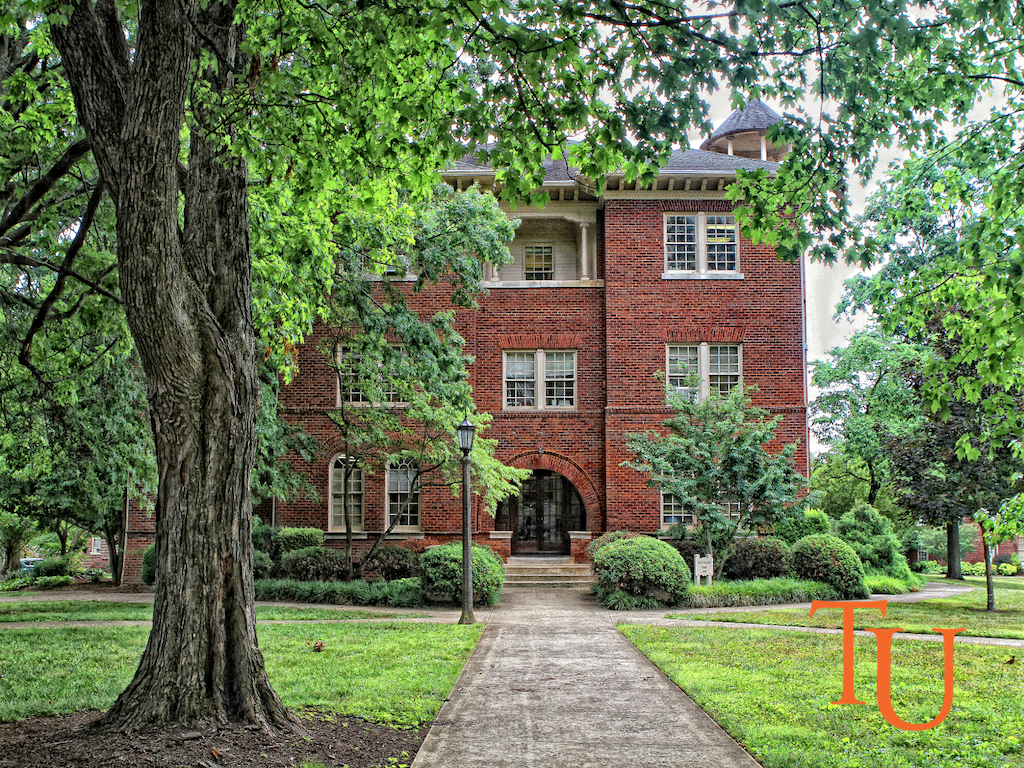
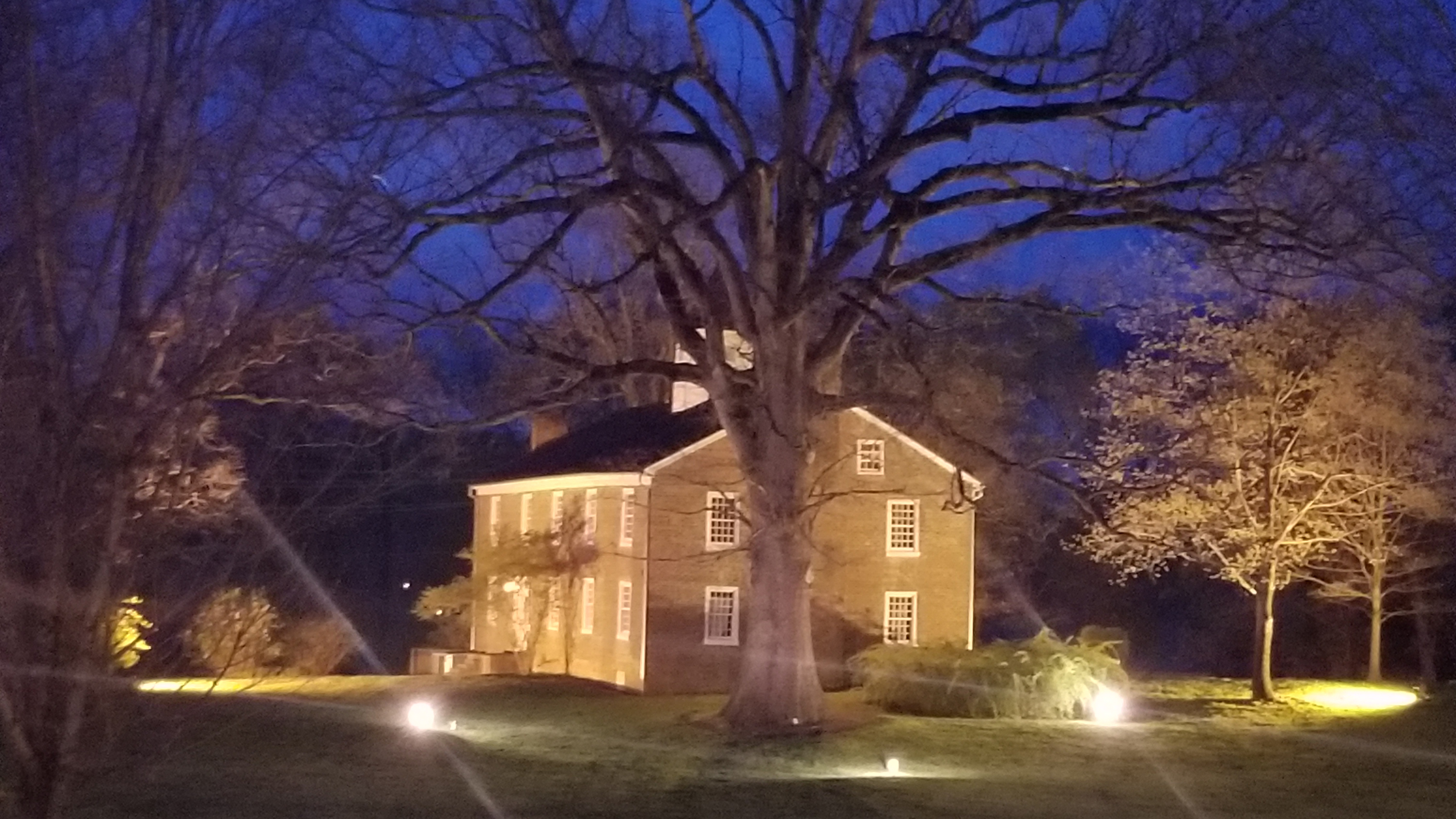
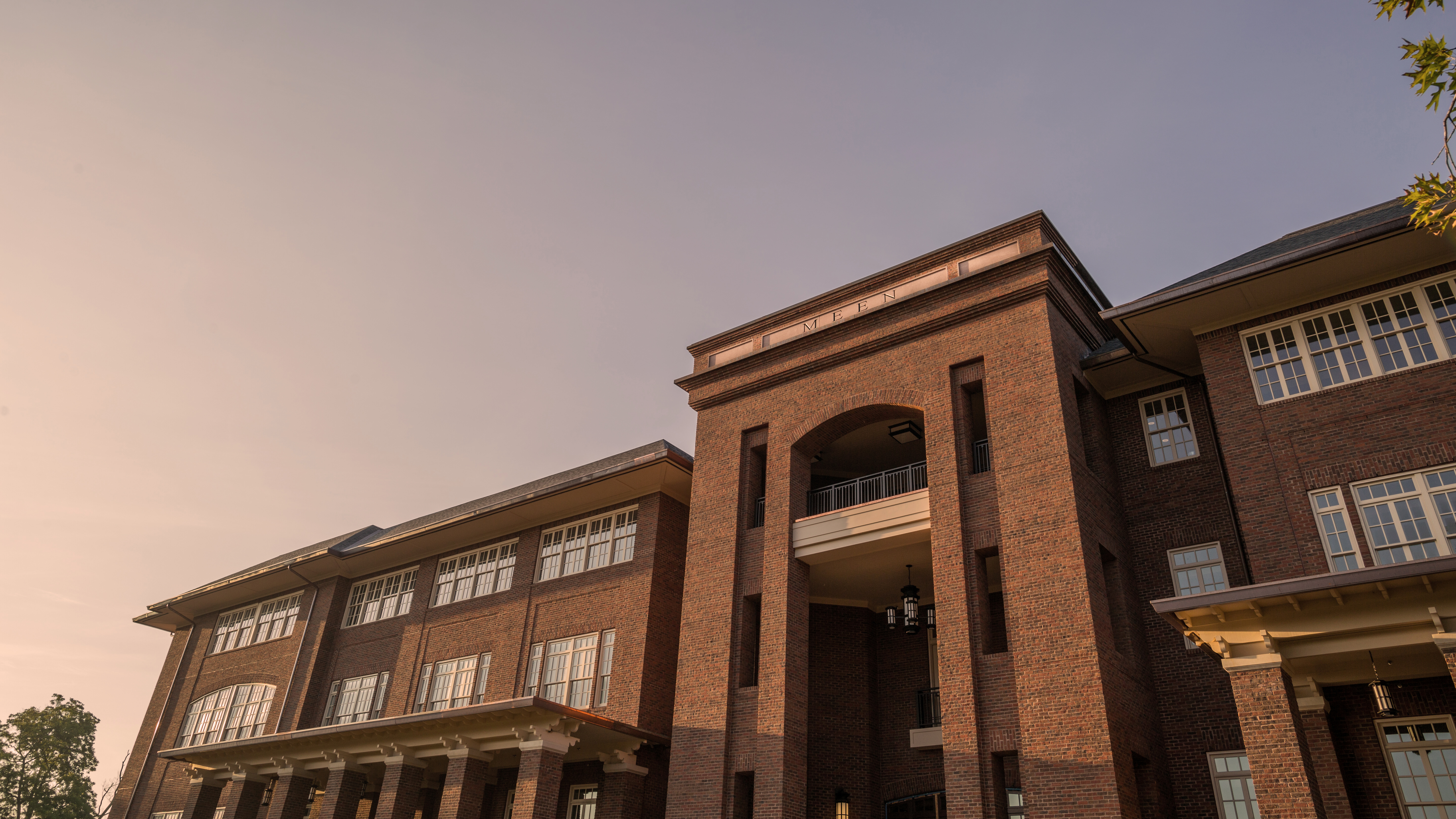
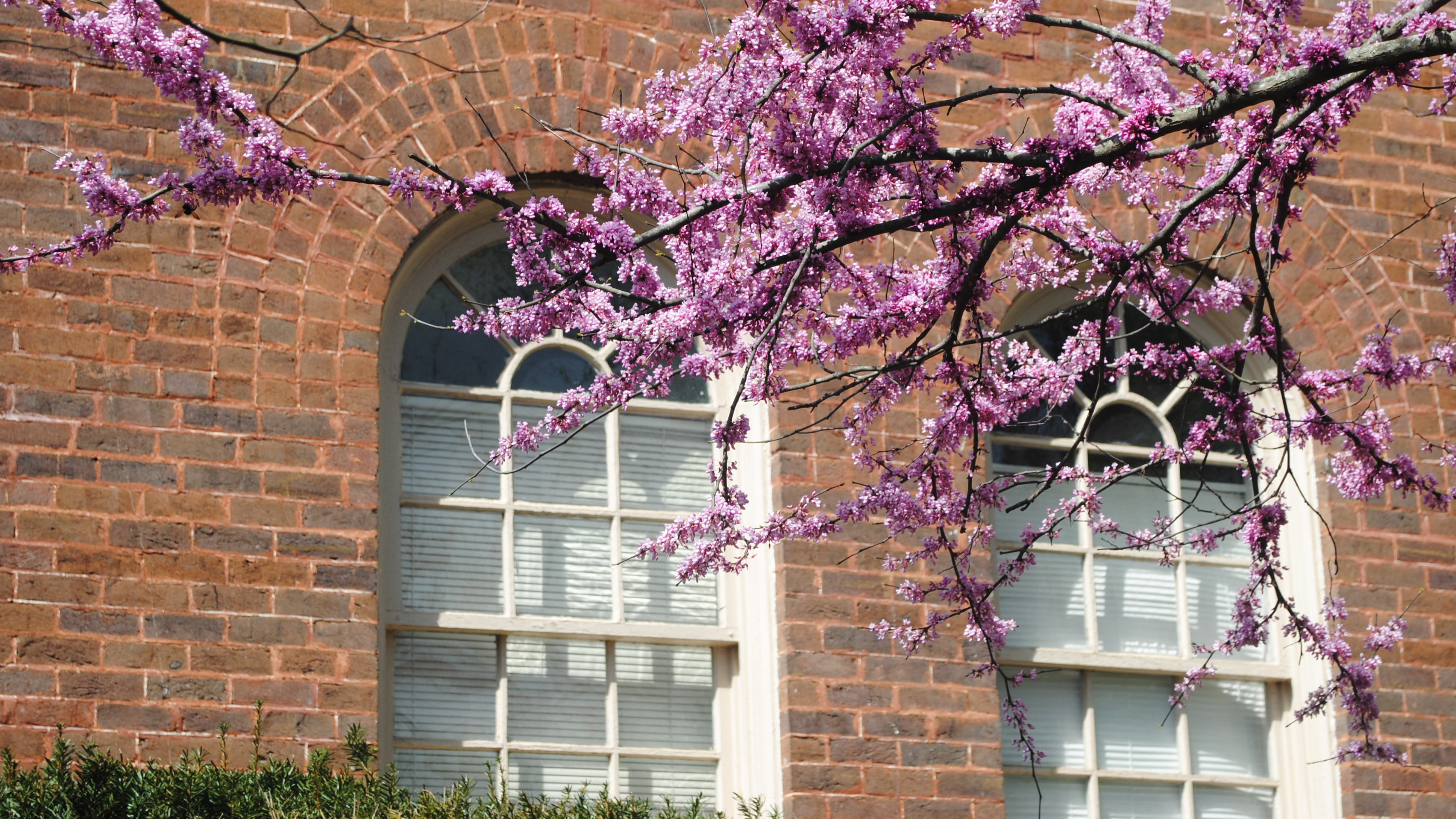
Tusculum University visitors often remark about its beauty. We offer the wallpaper scenes below as a way for alumni, friends, students, faculty and staff to enjoy the campus’s beauty on their personal computers.
INSTRUCTIONS:
For Windows users:
- Click on the resolution of your monitor. A new page will then appear with only the wallpaper image.
- Right click on the image, and a menu will appear.
- Choose “set as wallpaper” from this menu.
For Macintosh users:
- Click on the resolution of your monitor. A new page will appear with only the wallpaper image.
- Move your cursor across the wallpaper image, holding your mouse button down until you see a menu. Select “Save This Image As.”
- In the dialog box that pops up, choose a file in which to save the image.
- Click on your Apple menu, selecting “control panels” and then “appearance.”
- In the appearance dialog box , select Desktop, then click “place picture.”
- Select the wallpaper file you saved and click “open.” Select “position automatically.”
- Click “set desktop,” and close the window.
Virginia Hall
|
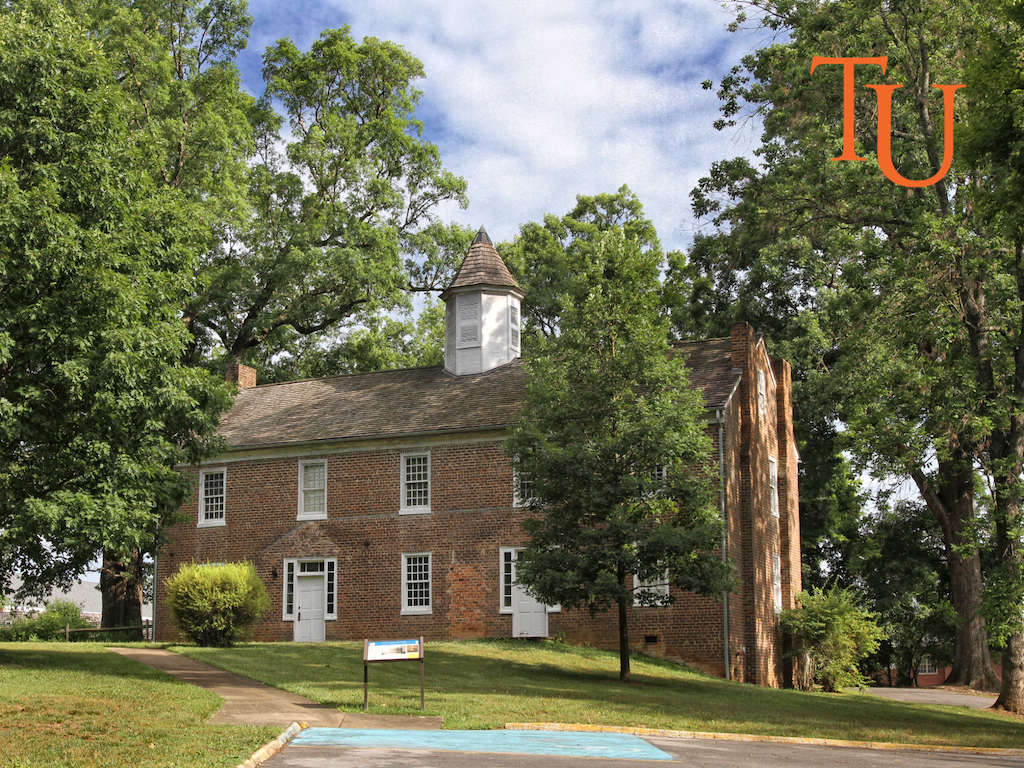
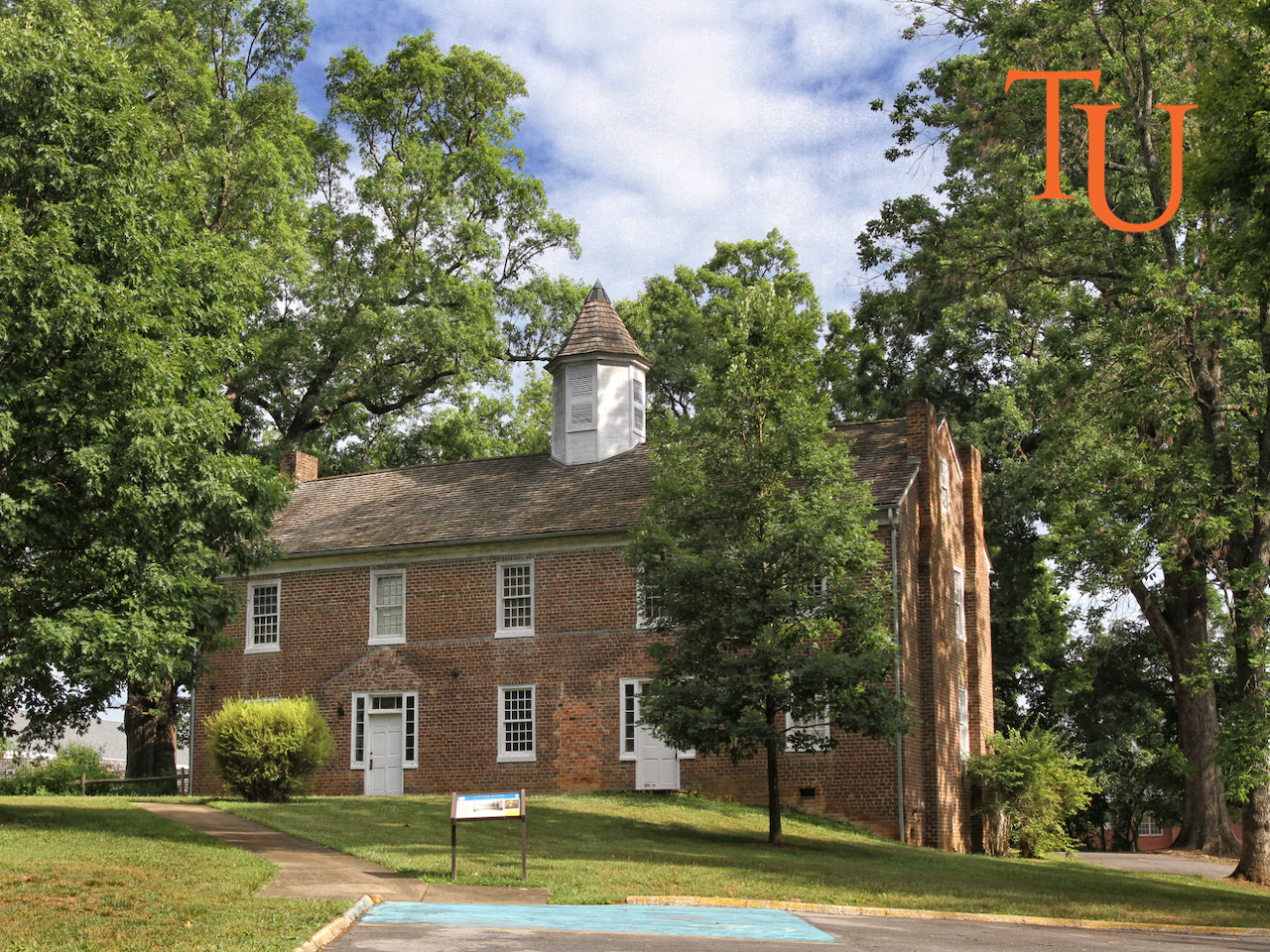
Old College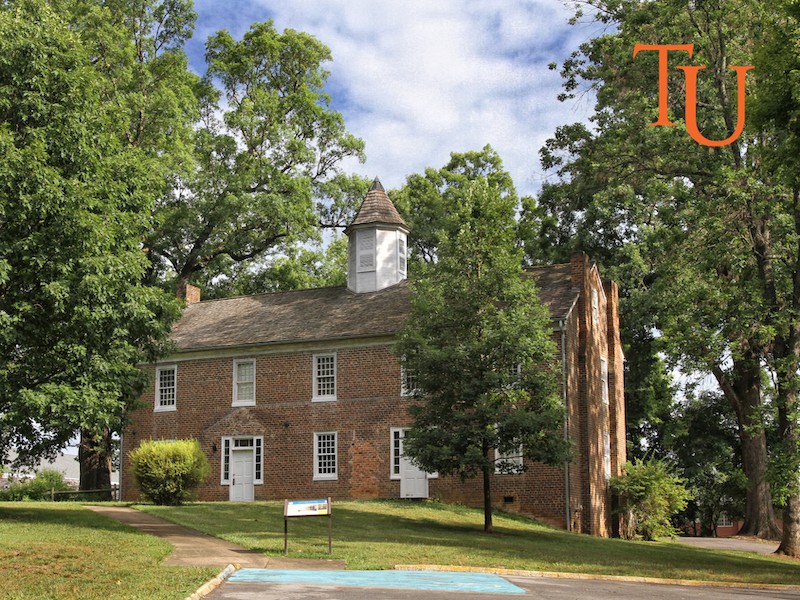 800 x 600 1024 x 768 1280 x 960 |
Annie Hogan Byrd Fine Arts Building 800 x 600 1024 x 768 1280 x 960 |
Niswonger Commons 800 x 600 1024 x 768 1280 x 960 |
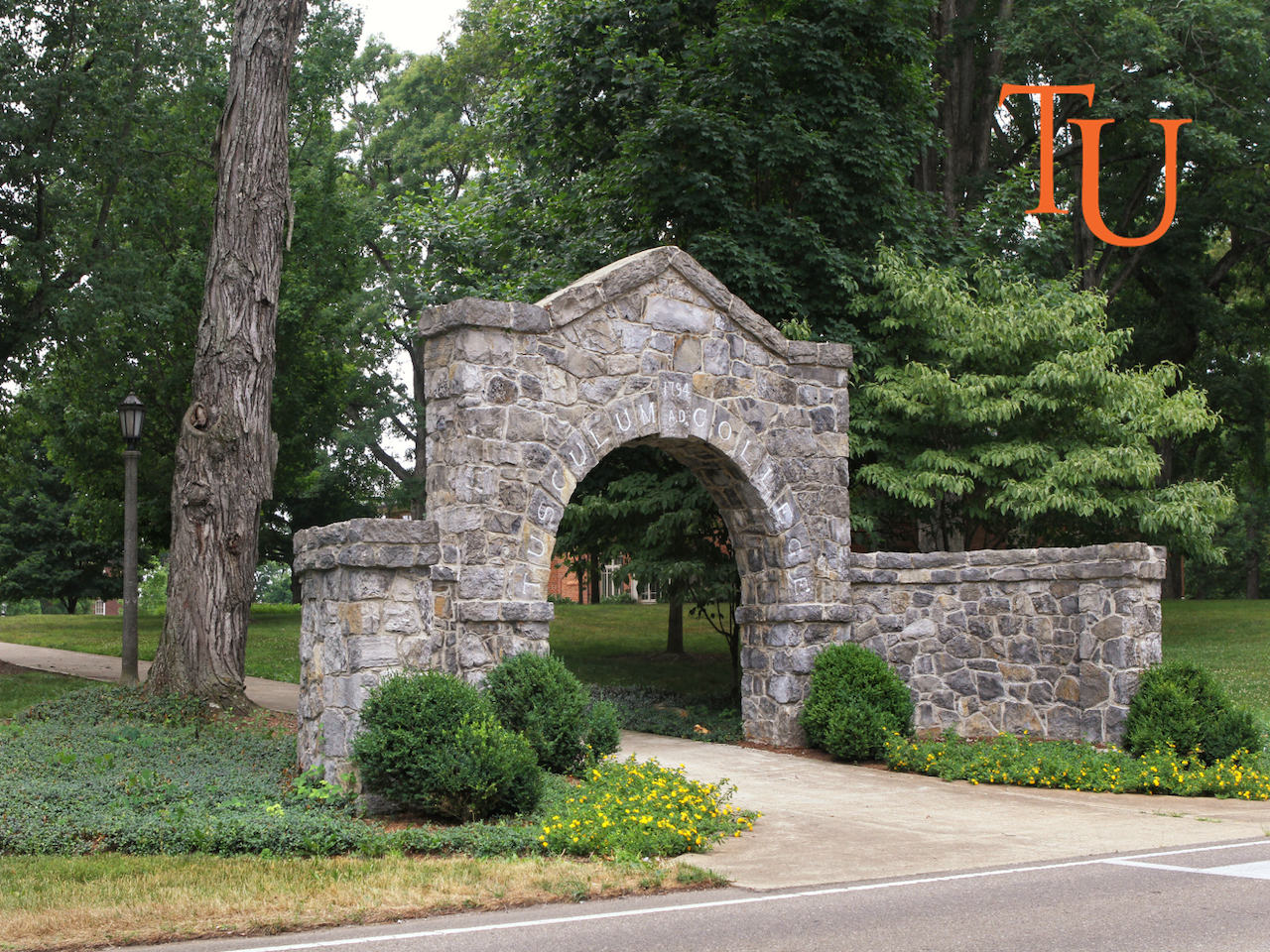
The Arch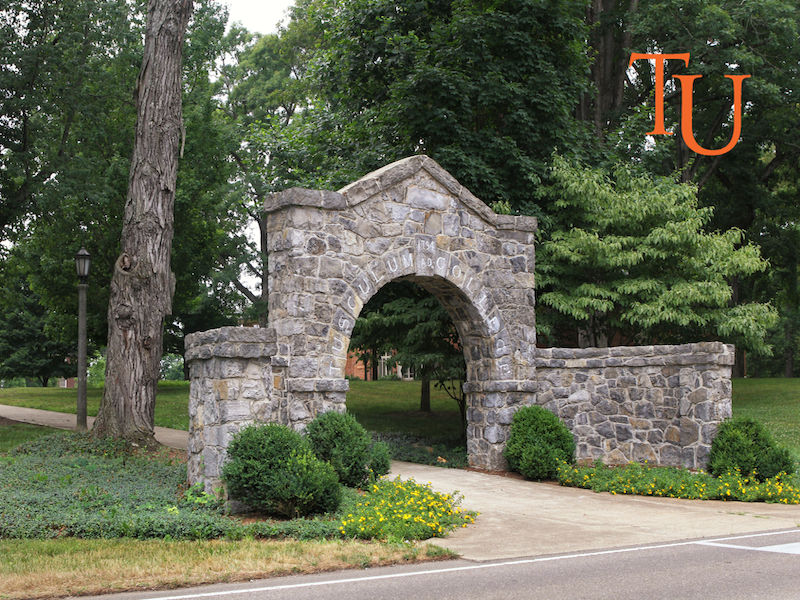 800 x 600 1024 x 768 1280 x 960 |
Doak House 800 x 600 1024 x 768 1280 x 960 |
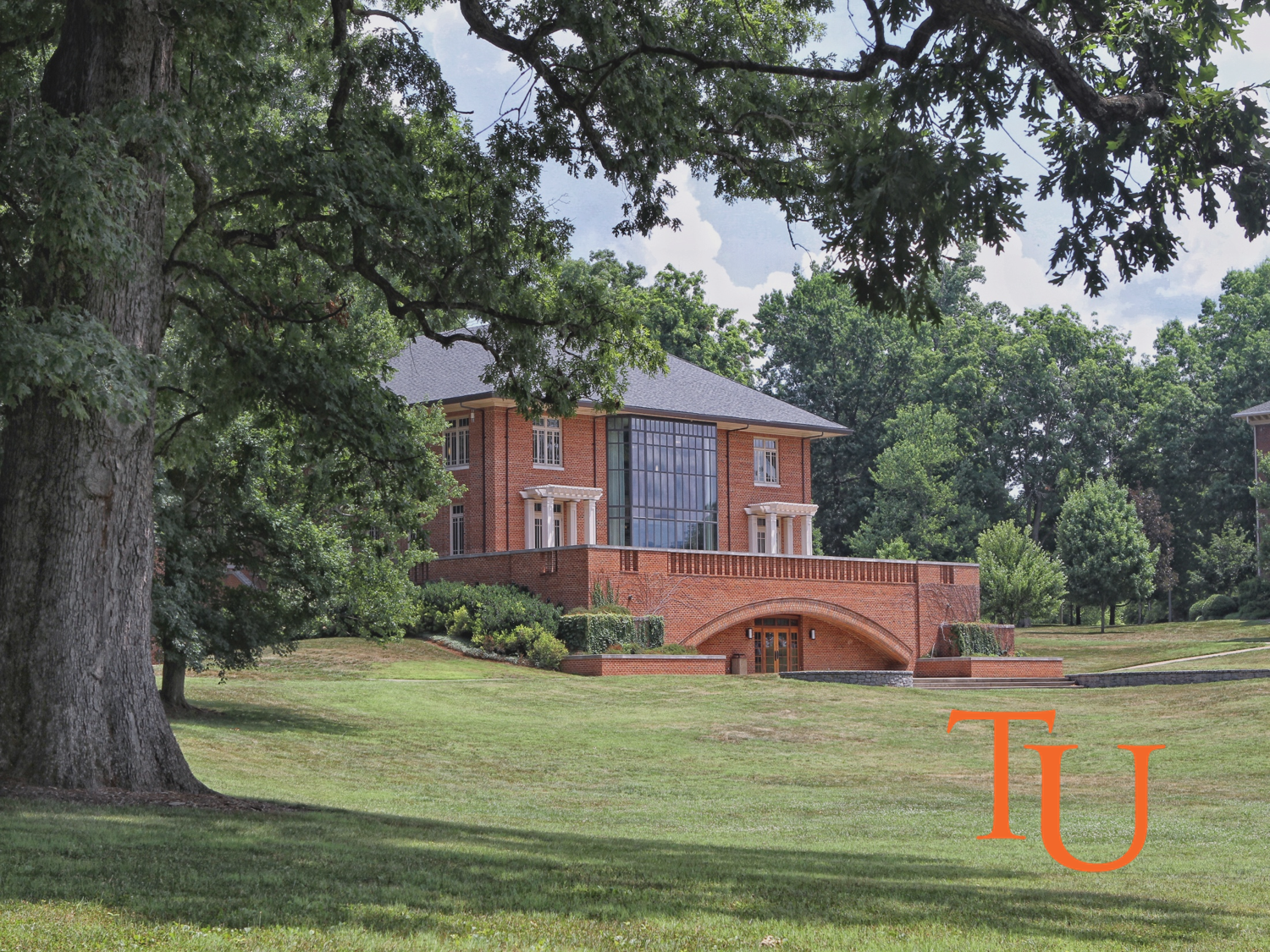
Thomas J. Garland Library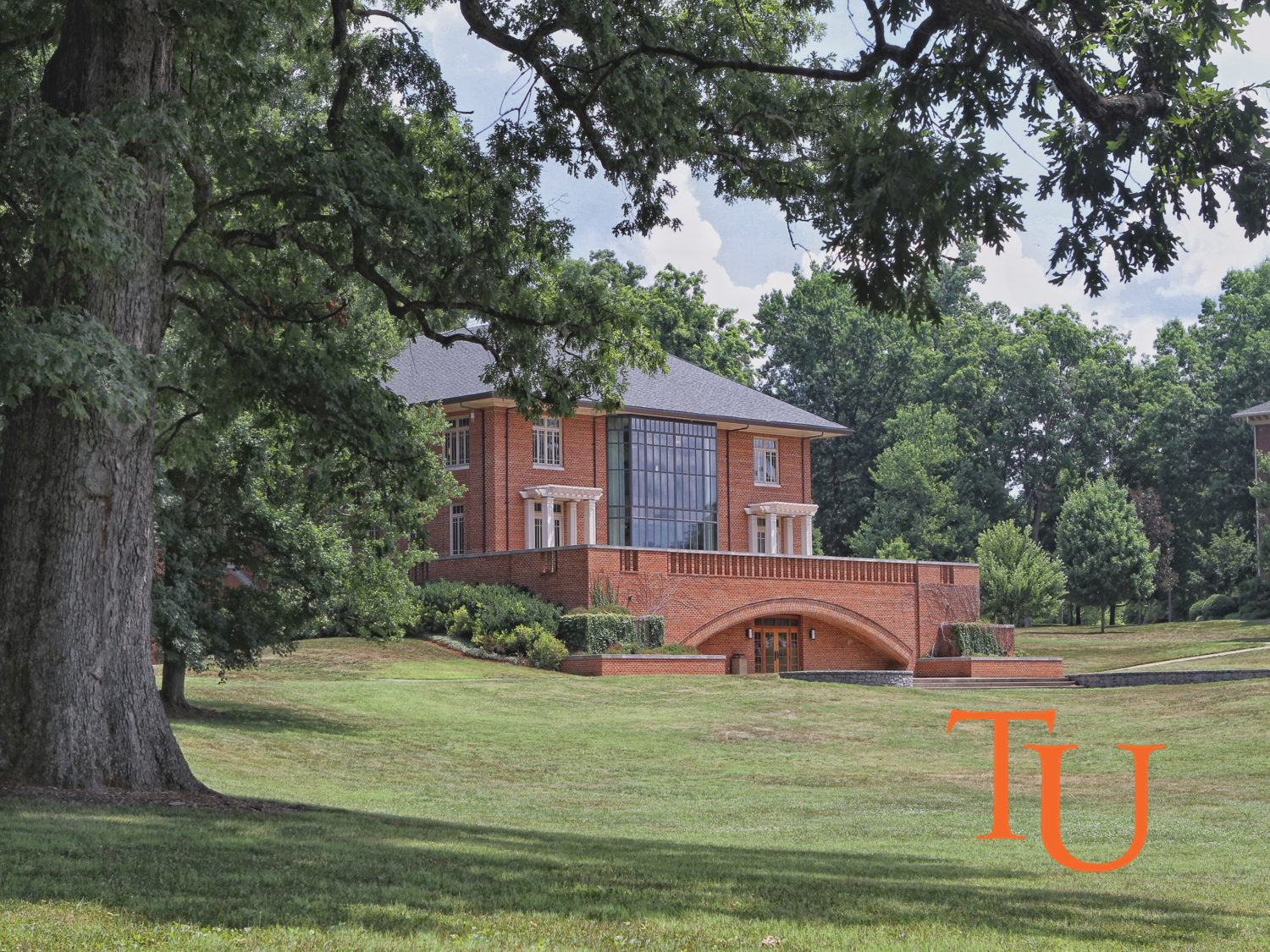 800 x 600 1024 x 768 1280 x 1024 |
Aerial View of the Commons 1280 x 960 1280 x 960 |
Aerial View of Virginia Hall
|
Study Area in Garland Library 800 x 600 1024 x 768 1280 x 960 |
Pioneer Park 800 x 600 800 x 6001024 x 768 1280 x 960 |
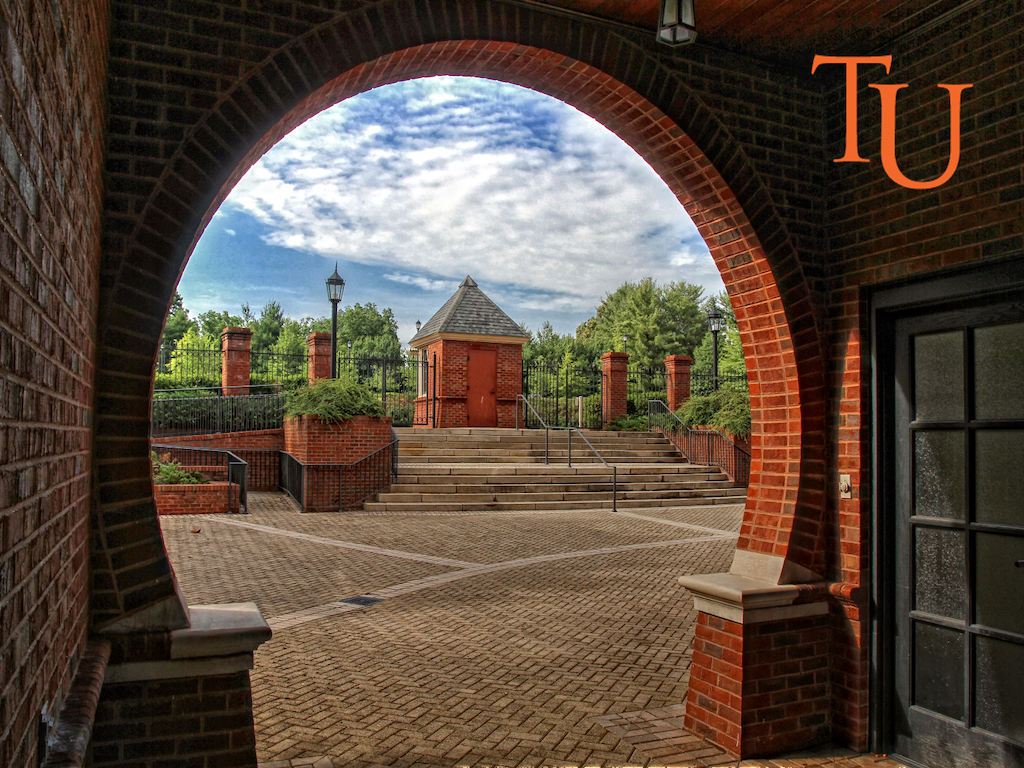
Pioneer Park Keyhole Arch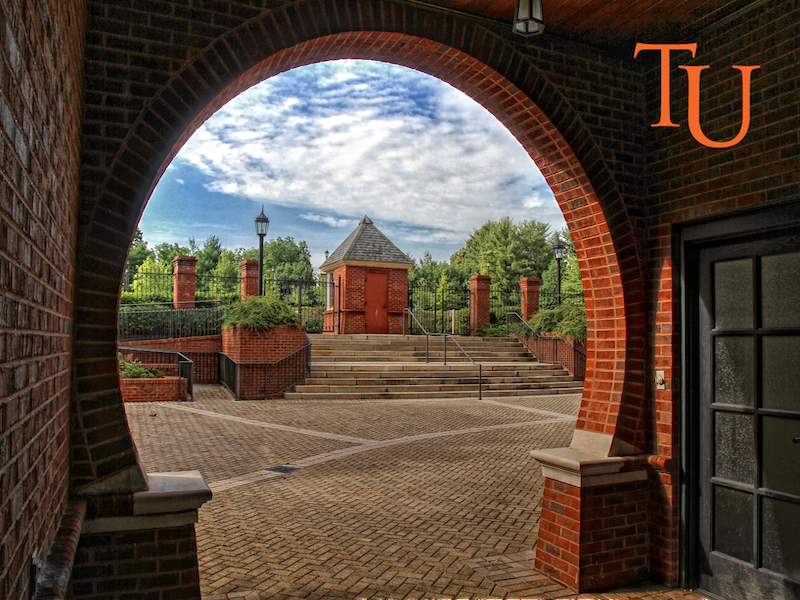 800 x 600 1024 x 768 1280 x 960 |
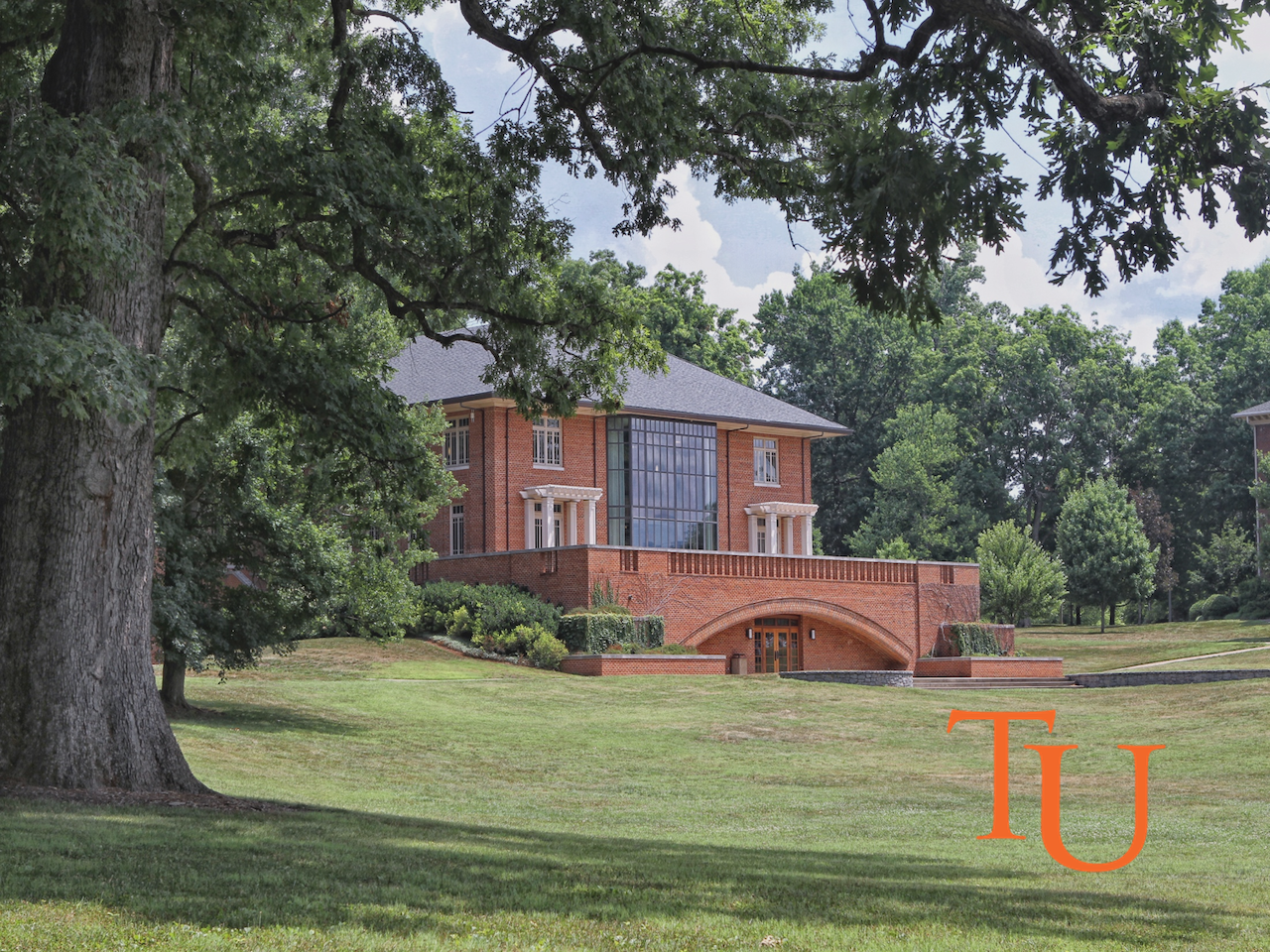
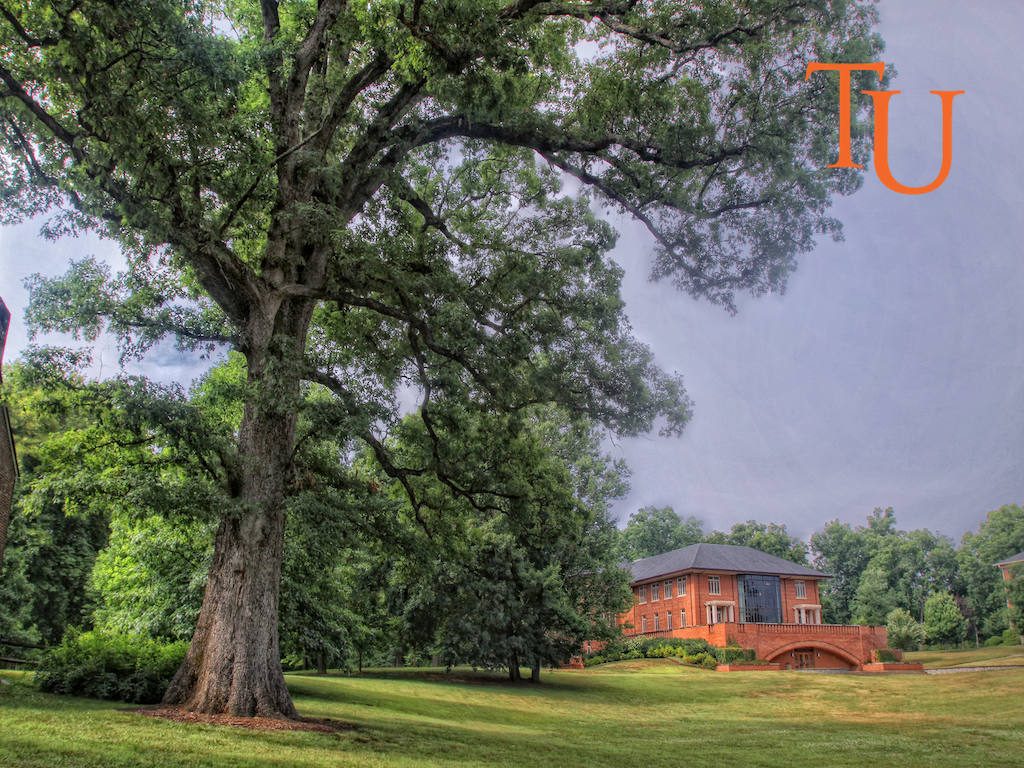
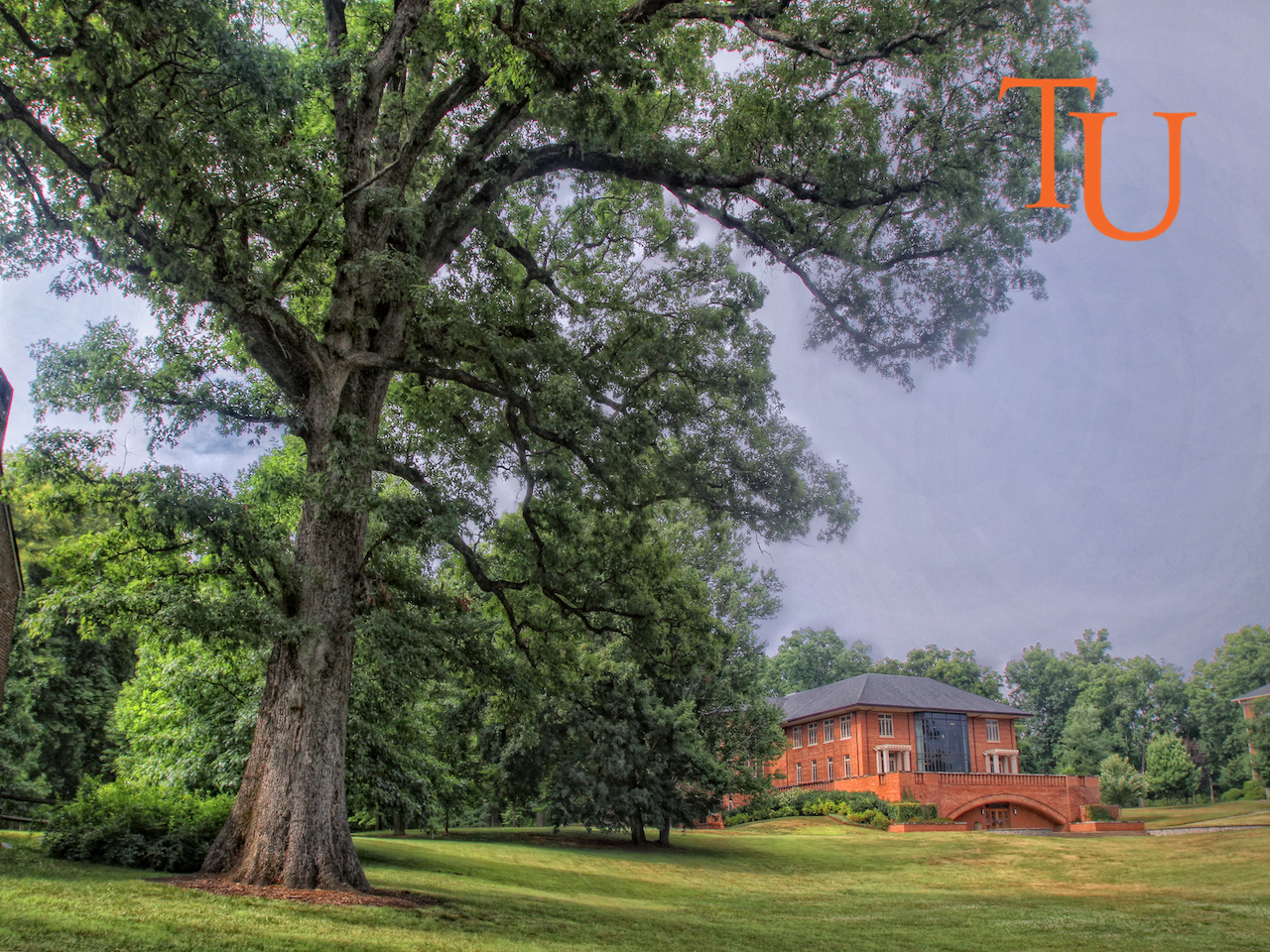
Old Oak Foreground Garland Library Background 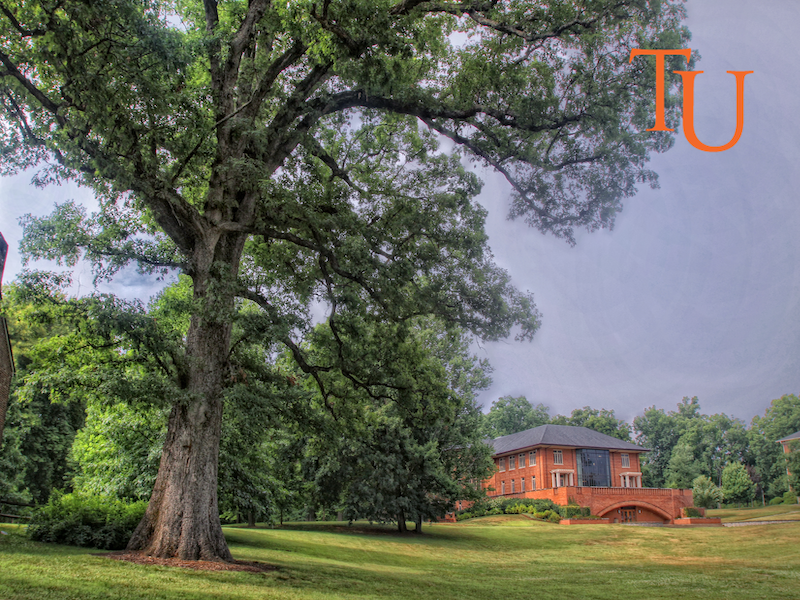
|
Old Oak & Old College 800 x 600 1024 x 768 1280 x 960 |
Niswonger Commons Smoky Mountains Background 
|
Meen Center 800 x 600 1024 x 768 1280 x 960 |
McCormick Hall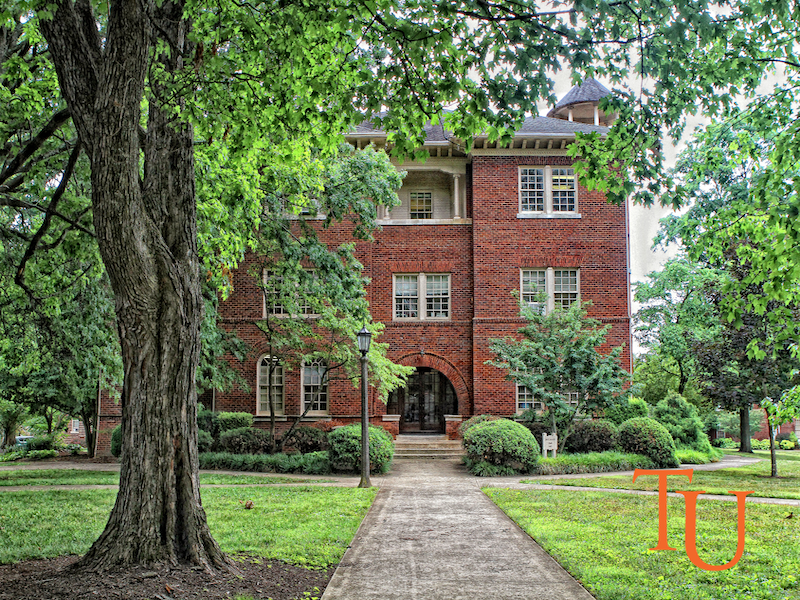 800 x 600 800 x 6001024 x 768 1280 x 960 |
Lampost 800 x 600 1024 x 768 1280 x 960 |