

Tusculum University has partnered with PayMyTuition to offer an interest free Payment Plan to enable students or their families to make monthly installments on their student account towards tuition, fees and room and board. The payment plan is not a loan and is available for the fall and winter semesters for up to five automatic installments per semester.
Enrolling in this plan requires a non-refundable $75 fee per plan.
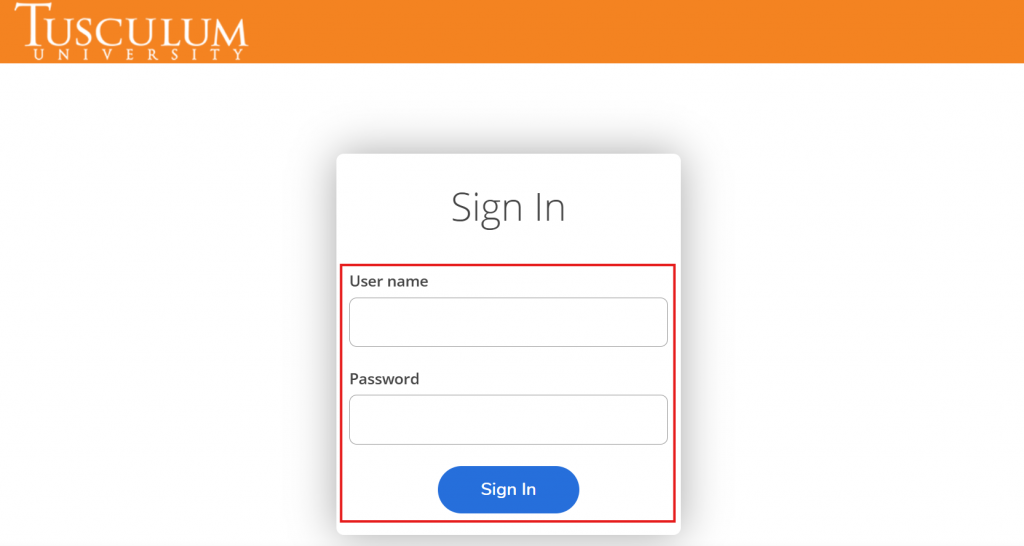
Log in to the Tusculum University Self-Service portal:
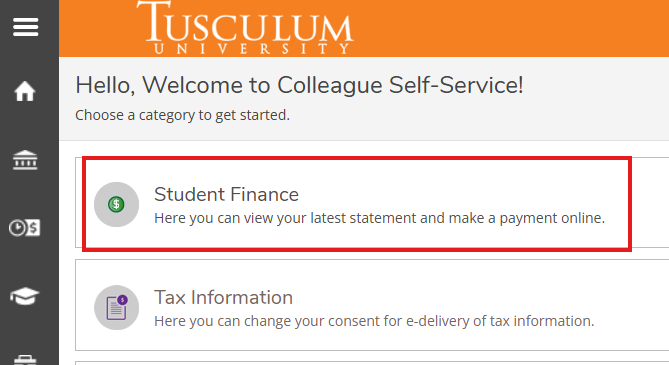
From the home page of your Self-Service portal, select “Student Finance”:
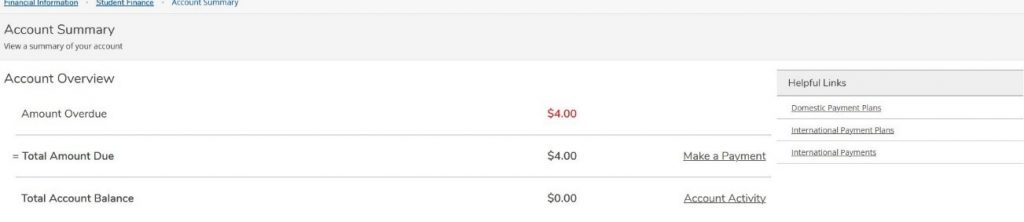
Under Helpful Links, click on “International Payment Plans” OR “Domestic Payment Plans“:
Next, click on the “PayMyTuition” banner to be redirected to the PayMyTuition portal:

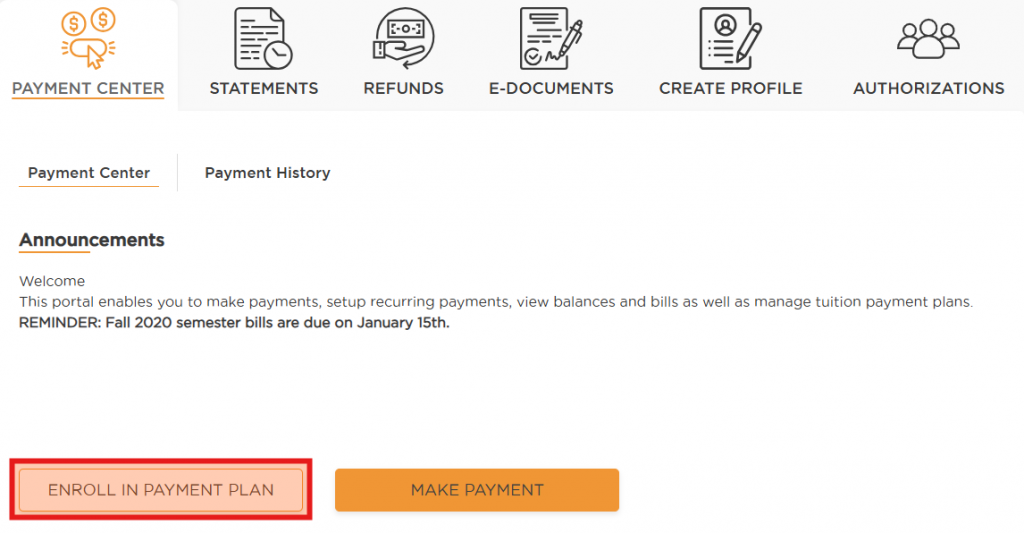
Once you are redirected to the PayMyTuition Portal, you will see the ENROLL IN PAYMENT PLAN button if you are eligible to enroll. Click on this option to begin the enrollment process.
If the ENROLL IN PAYMENT PLAN button isn’t visible, contact Tusculum University’s Business Office Department at business@tusculum.edu or (423)636-7300 ext 5061.
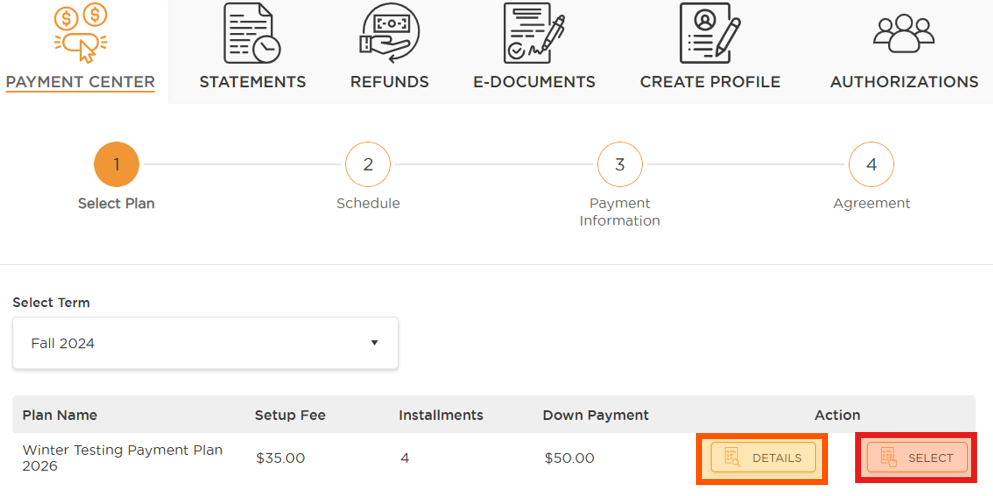
The Payment Center will default the ‘Select Term’ section to an eligible term for a Tuition Payment Plan. You can click the drop-down arrow to change the term you would like to enroll in a Payment Plan for:
Charge and Balance Review:
Before enrolling, you can access a detailed breakdown of charges and see your existing balance. Make sure you’re fully informed of all expenses before choosing a plan and completing your payment.
Contact Tusculum University Business Office at business@tusculum.edu or call (423)636-7300 ext. 5061 to inquire about eligibility.
Call 1.855.663.6839 (toll-free) or through one of their local country contact numbers. You can also contact PayMyTuition Support at support@paymytuition.com or through their support page.
No matter what time zone you are in, you will have a dedicated customer support team available to you through live chat, email, and phone to answer any of your questions and help you with your payment.
You will be charged a $75 enrollment fee when you sign up each semester. Our vendor also assesses convenience fees on credit card payments. The first payment and the set-up fee are due upon sign-up.
Upon redirect from the Tusculum University Self-Service portal into the PayMyTuition portal, locate your Payment Center and select “ENROLL IN PAYMENT PLAN”. You will be prompted to confirm the plan details and the amount you wish to budget. After you input your payment method, you can review your Payment Plan Agreement and finalize your plan.
A plan can be initiated by a student or an Authorized User. When the student sets up the Authorized User profile, they must enable the option to allow the Authorized User to set up a plan on their behalf. Authorized Users can make payments on a plan that their student has set up. Banking information is confidential and only the user will be able to see and access this information. Multiple Authorized Users can enroll in the same student’s payment plan.
Students and their Authorized Users can make changes to their payment plan within PayMyTuition’s Payment Center. You will be responsible for any balance due on your student account after your Payment Plan has been modified or canceled.
Students and Authorized Users will not be permitted to cancel their payment plan on their own. Please contact the Financial Services Office to request for your payment plan to be canceled.
When you enroll, you will be required to enter either a checking/savings account or credit card number that will be used to automatically withdraw funds on your installment due dates. The payment method you choose will be used for all scheduled payments.
International students can pay from a domestic financial institution or card to schedule their payments. However, if paying from a foreign financial institution or card, the student is responsible for manually initiating their installment payment from the PayMyTuition Payment Center.
If you would like to switch from one checking/savings account to another or switch from a credit card payment to a checking/savings account, you can add a new payment method within PayMyTuition’s Payment Center. You will need to create a new payment to access your saved Payment Methods, where you can add a new Payment Method and save it as default. You do not need to fund this payment if its’ not required.